Custom Cache Key Demo
Same URL, different images — powered by Cloudflare cache sharding
🦖
Chrome / WebP
Chrome sends Accept: image/webp in its requests. The middleware detects this and rewrites to a WebP image of the Chrome Dino. Response includes X-Browser: chrome.
�
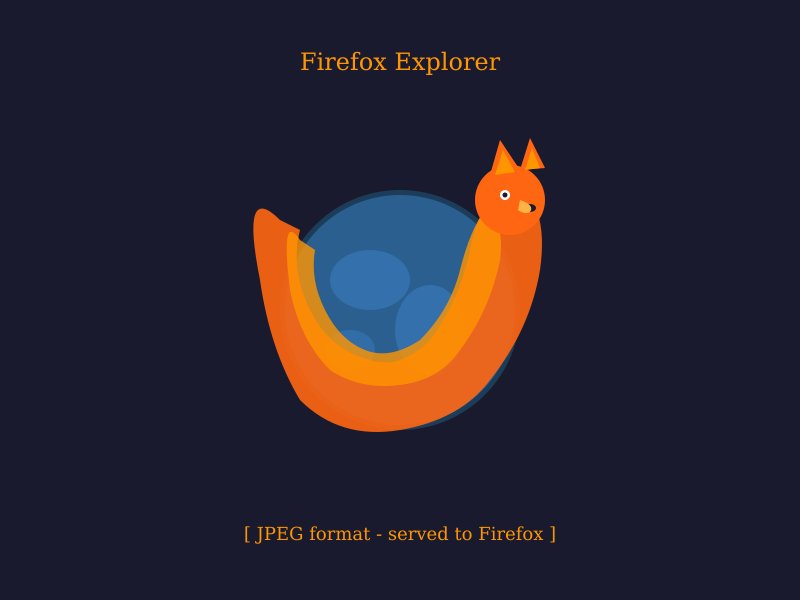
Firefox / JPEG
Firefox sends Accept: image/png,image/svg+xml,image/* without WebP. The same URL serves a JPEG fox image instead. Response includes X-Browser: firefox.
How Cache Sharding Works
- Browser requests
/images/herowith its nativeAcceptheader - Middleware checks if
Acceptcontainsimage/webpand rewrites to the correct static file - Cloudflare Cache Rule includes
acceptheader values (image/webp,image/png) in the cache key — two separate cache entries - The correct image format is served and cached per browser
Tip: Check the X-Browser and X-Image-Format response headers on /images/hero to verify which variant was served.